Profiles IDE
Create and manage your Profiles projects directly within the RudderStack dashboard.
Available Plans
- enterprise
less than a minute
- Date: Dec 18, 2024
The Profiles IDE provides a seamless, production-ready environment for developing and deploying your Profiles projects directly within the RudderStack dashboard. It supports in-platform project management and integration with external version control systems like GitHub and GitLab.
Key features
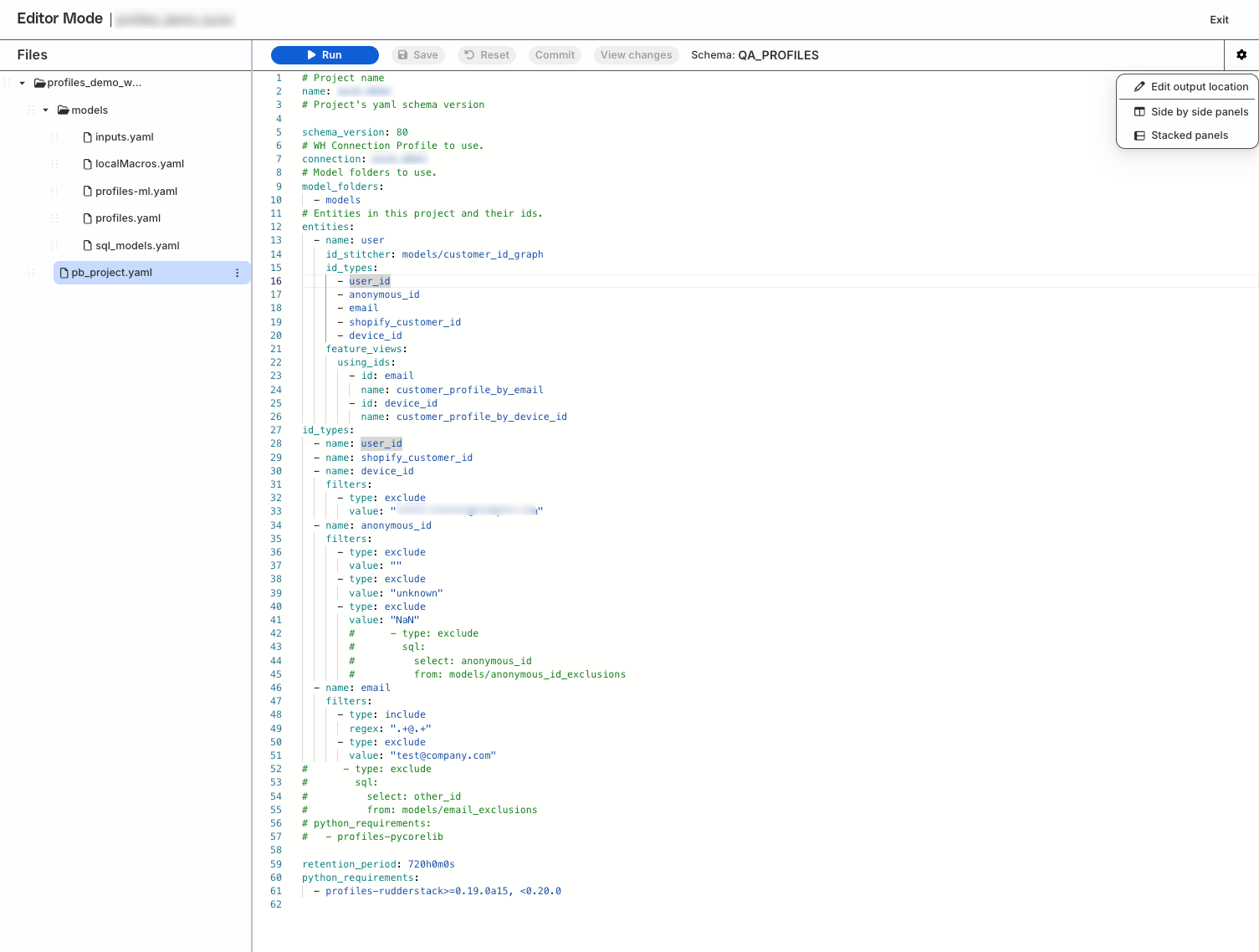
- Integrated editor for building and modifying YAML-based Profiles configuration files.
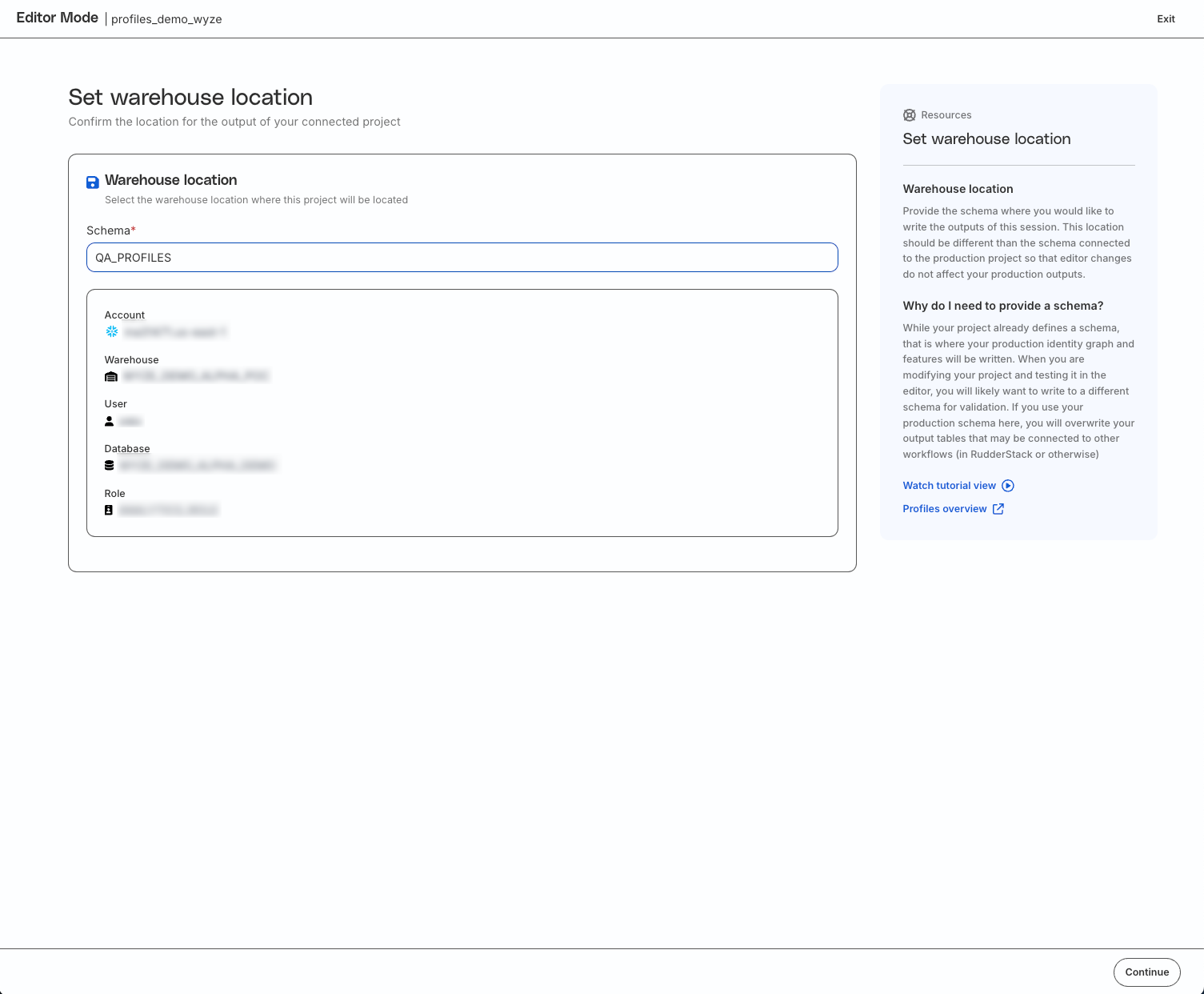
- Safe validation of workflows through separate development schemas.
- Easy rollbacks of uncommitted changes with a button click.
- Automated notifications when multiple users are editing a project simultaneously.
Workflow
You can use the Profiles IDE to modify inputs, build features, and safely validate the changes in a controlled session, before committing them to the production project.
Here’s how to use the feature:
New Profiles project
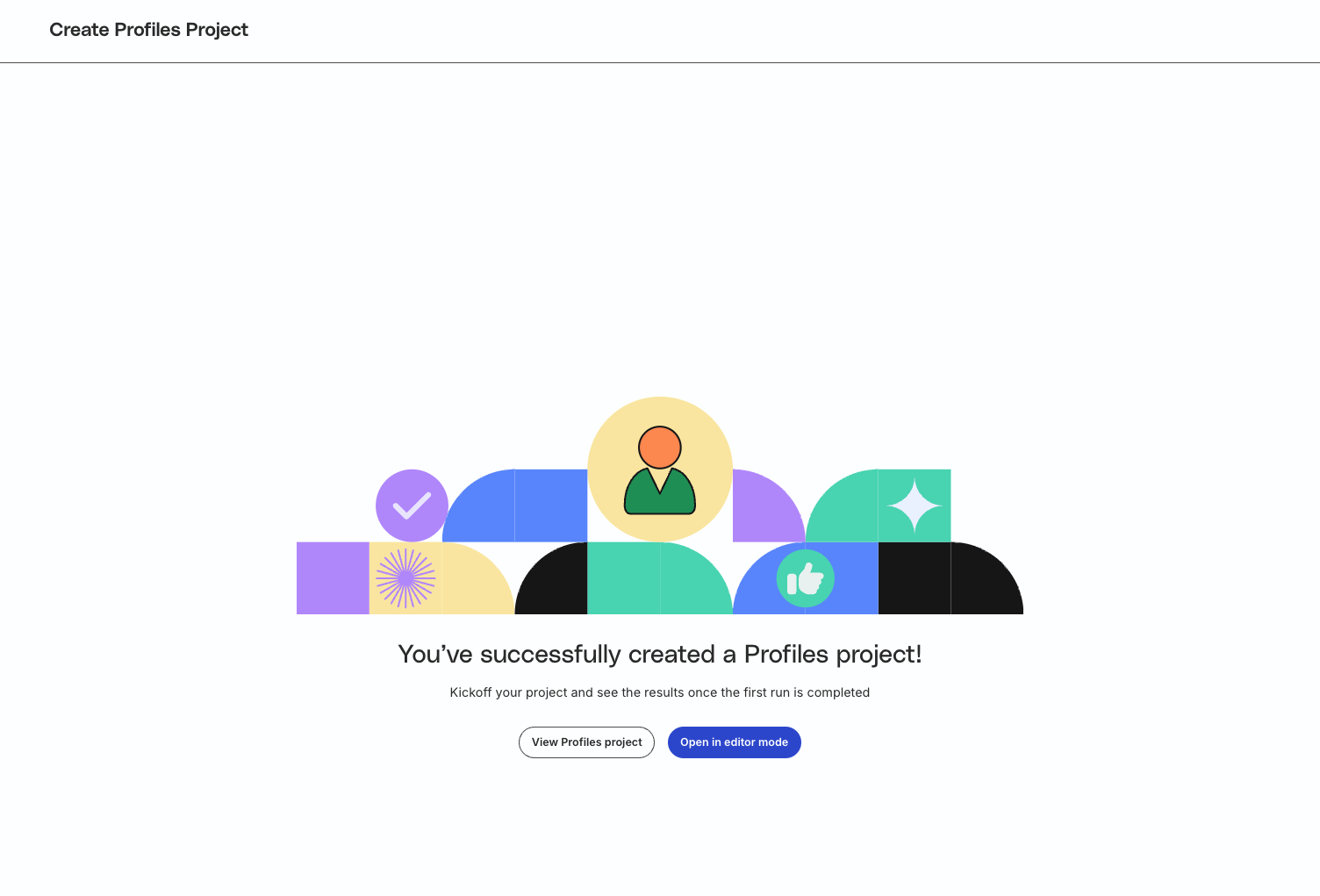
- Select the Web-based editor (IDE) option while creating a new Profiles project.
- Provide the project name, warehouse credentials, and output schema for storing the results.
- Click Open in editor mode.
Existing Profiles projects
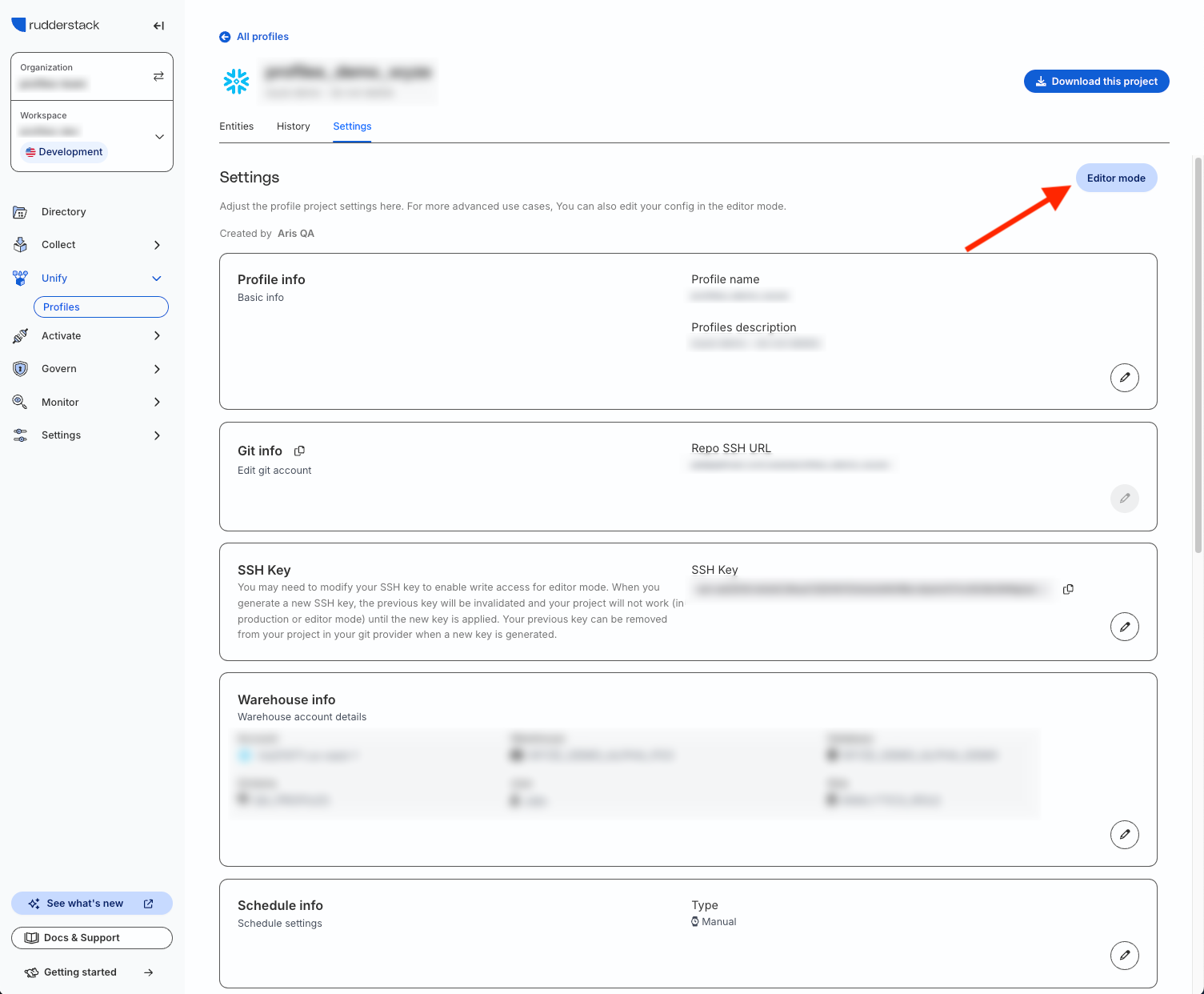
- Go to the Settings tab of the Profiles project.
- Click Editor mode.
See the Profiles IDE documentation for more details on using this feature.
Screenshots
- Editor mode option after creating a new Profiles project.
- Editor mode option in an existing Profiles project.
- Specify development/validation schema for testing the changes.
- Modify configuration, view the changes, and commit to the production schema.