Tracking Plan Health Metrics
- free
- growth
- enterprise
2 minute read
This page provides a detailed reference for the Tracking Plan metrics in the Health dashboard.
Overview
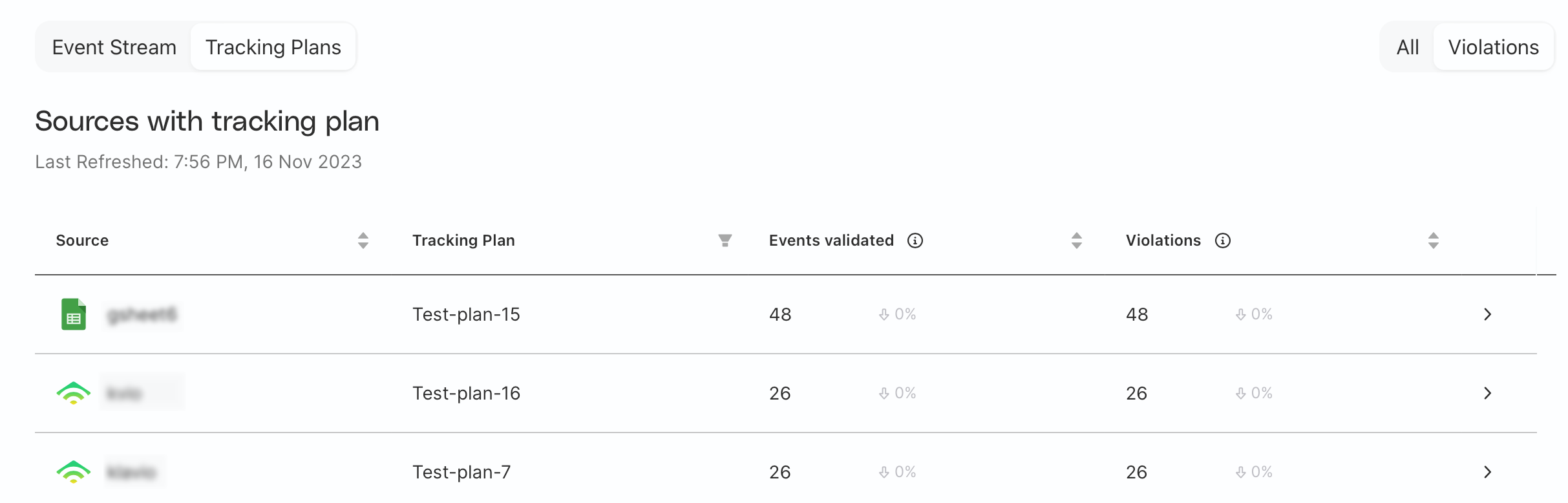
In the Tracking Plans tab, you get a list of all the sources connected to a tracking plan in your workspace with the following details (along with the change percentage):
- Tracking Plan
- Events validated (sortable by count or rate of change)
- Violations (sortable by count or rate of change)
RudderStack also provides a Violations tab to view only the sources that have tracking plan violations.
Validation error details
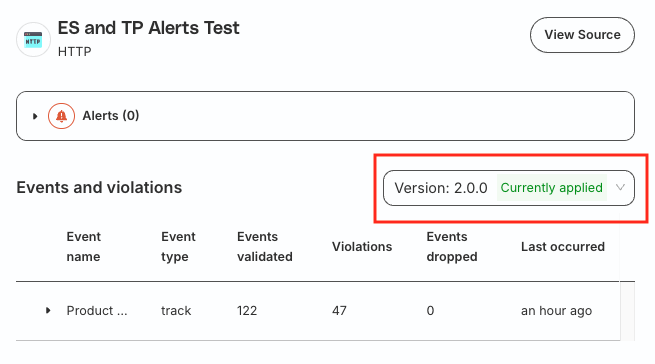
Click a row to get the validation error details. A panel pops up on the right with the following details:
An alerts section containing the following details:
- Alert description.
- Time and date from when the alert is active.
Events and violation details like:
- Event name
- Event type (
identify,track,page, etc.) - Events validated
- Events dropped
- Last occurred: When the error last occurred.
Use the Version dropdown to view the metrics for a tracking plan version. This is helpful if your tracking plan has undergone revisions recently.
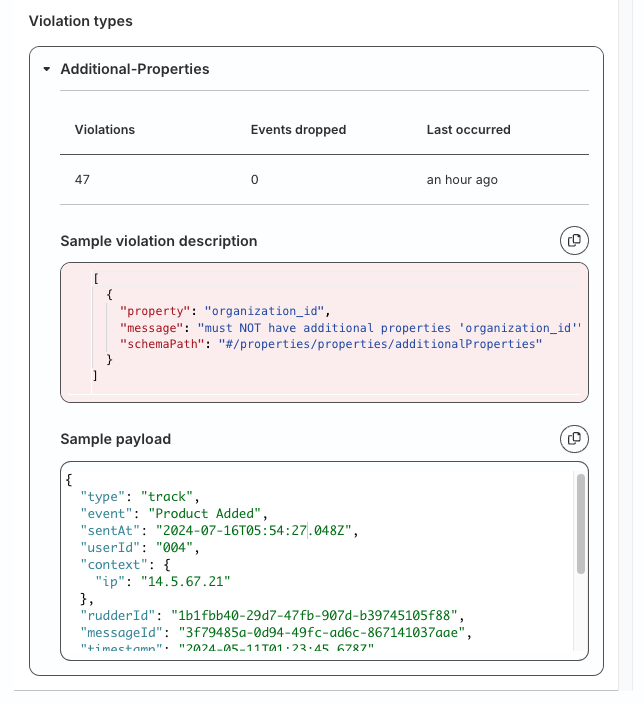
Click the event to see the violation type along with a sample violation description and event payload.
You must have the required PII permissions to see the Tracking Plan violation samples.
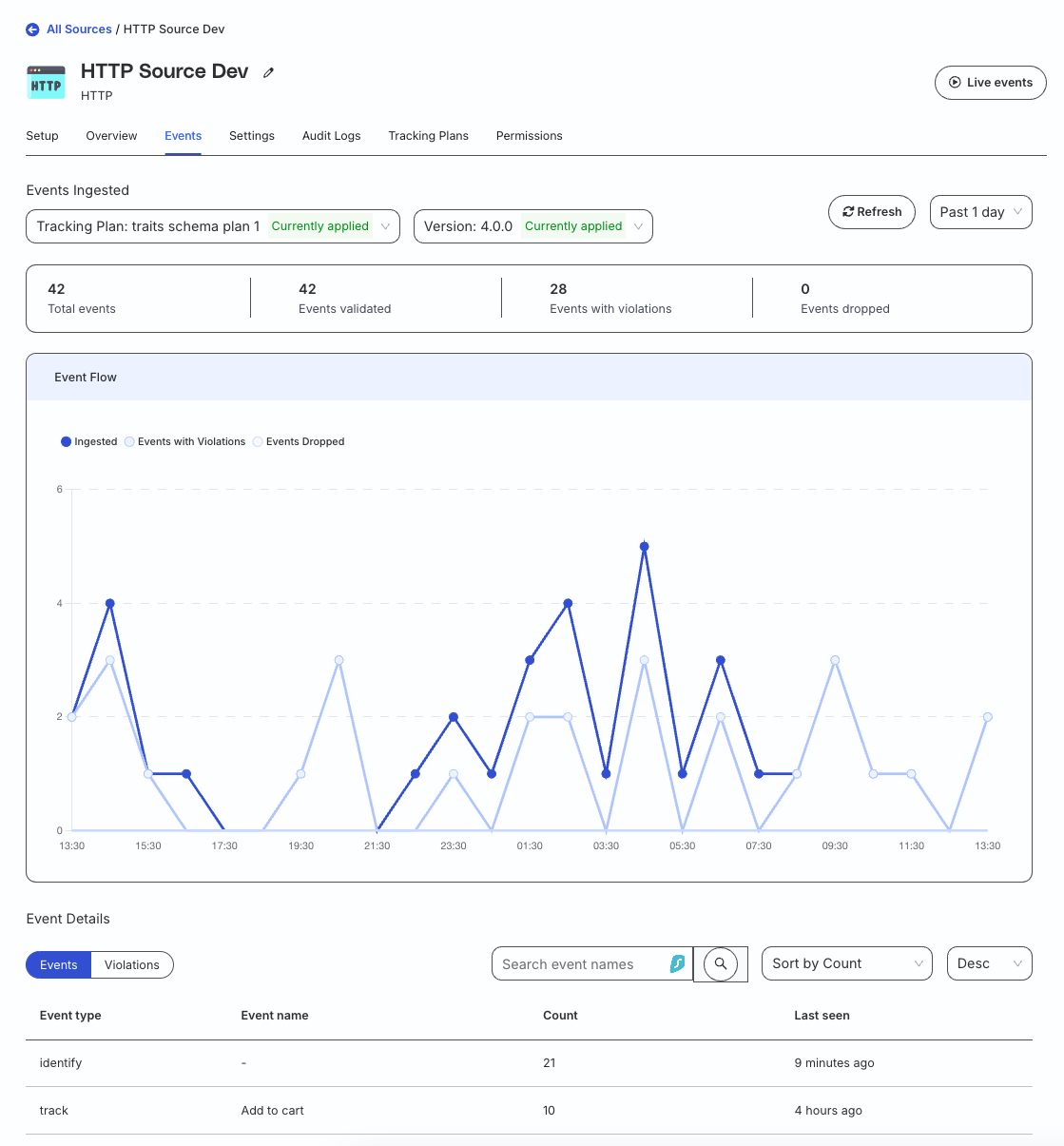
Click View Source to go to the source page. You will be redirected to the Events tab where you can view the detailed event ingestion and violation metrics.