Databricks Partner Connect
Connect your Databricks cluster to RudderStack and set up your Databricks Delta Lake destination.
2 minute read
You can now use Databricks Partner Connect to set up your Databricks Delta Lake destination in RudderStack without following the setup guide instructions.
Using Partner Connect, RudderStack automatically creates the destination for you with a configuration received from Databricks. Once the destination is set up, you can then add or modify the configuration depending on your requirement.
Before using Partner Connect to set up your Databricks destination, make sure you meet Databricks’ requirements.
Prerequisites
To connect your Databricks cluster to RudderStack, you need the following:
- A Databricks account.
- A RudderStack account with the required resource permissions to add destinations.
- If you have enabled the Unity Catalog feature on your workspace for Databricks on Azure, make sure to follow the Azure Databricks documentation to set up Unity Catalog for your organization.
You can also connect Databricks to RudderStack using a Databricks cluster.
Set up Delta Lake destination
This section lists the steps to set up a Databricks Delta Lake destination in RudderStack using Partner Connect.
Note that Azure Databricks is used as an example in this section. However, these steps are similar for other cloud providers.
- Sign in to your Databricks portal.
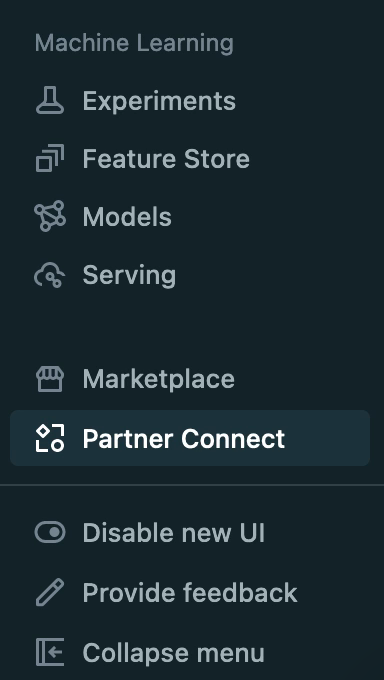
- Click Partner Connect in the left sidebar:
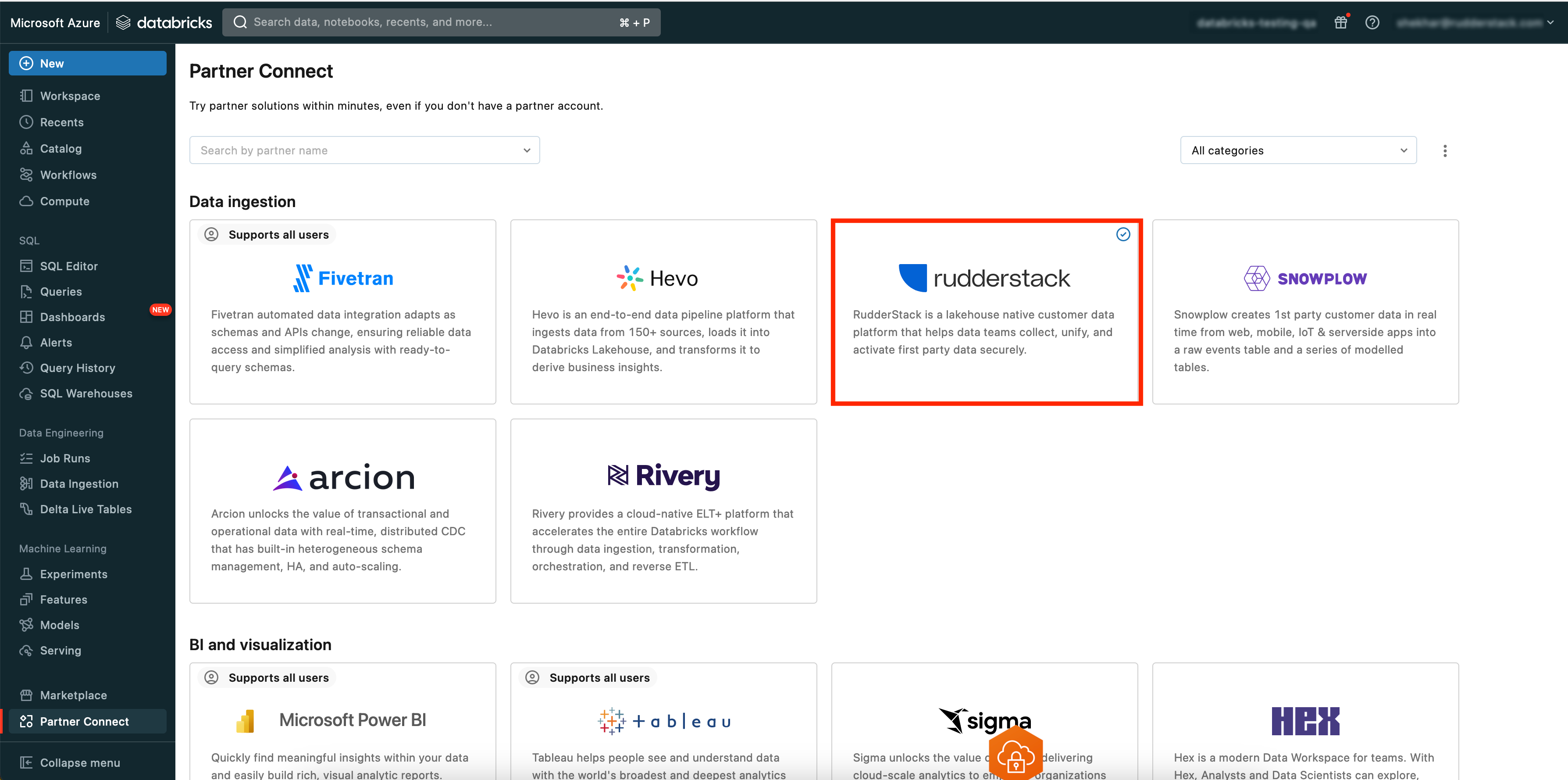
- Search RudderStack and select the tile.
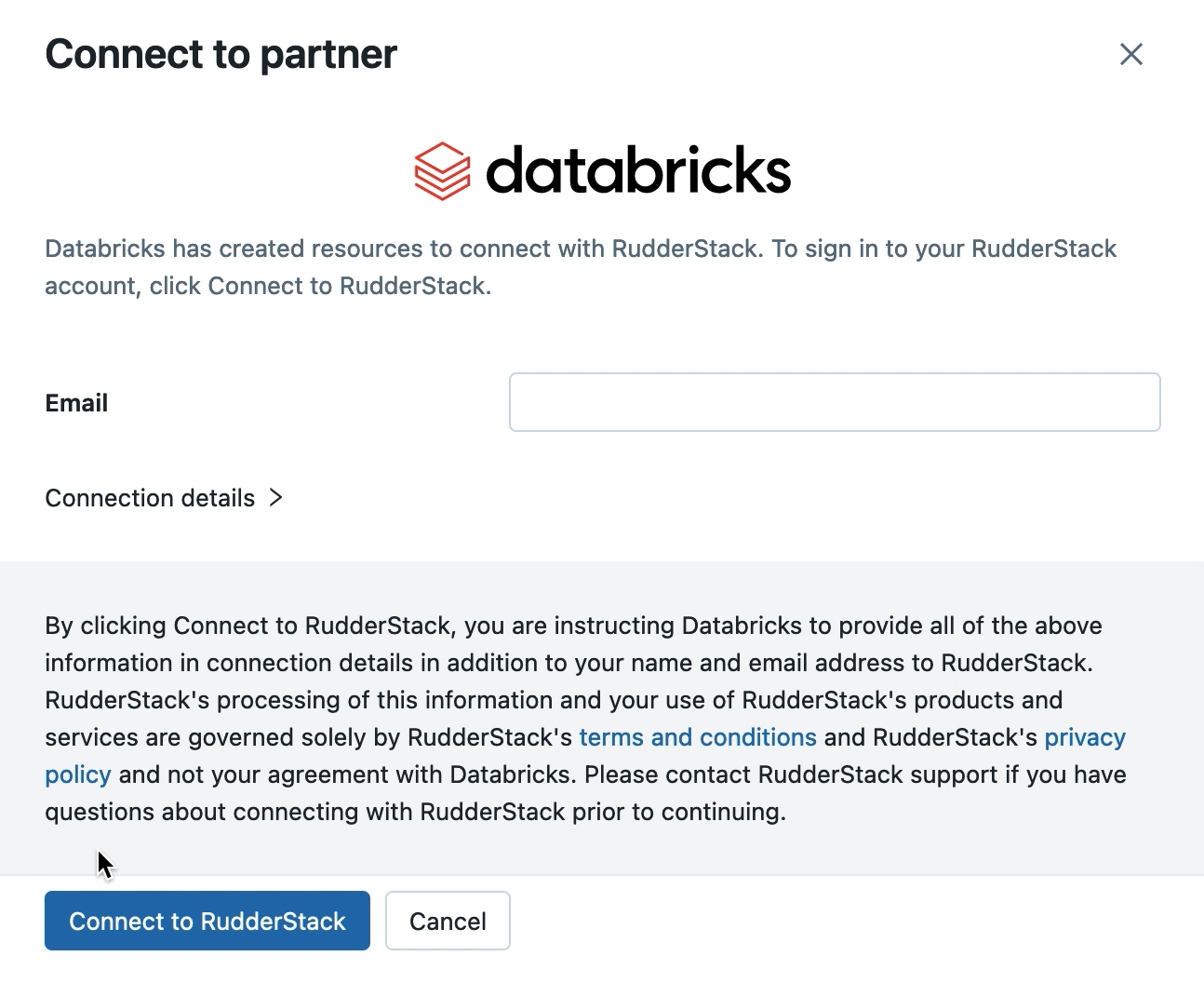
- You will see some preconfigured settings under Connect to partner. Click Next to proceed.
- Enter your email and click Connect to RudderStack.
- Enter your credentials to sign up/log in to RudderStack.
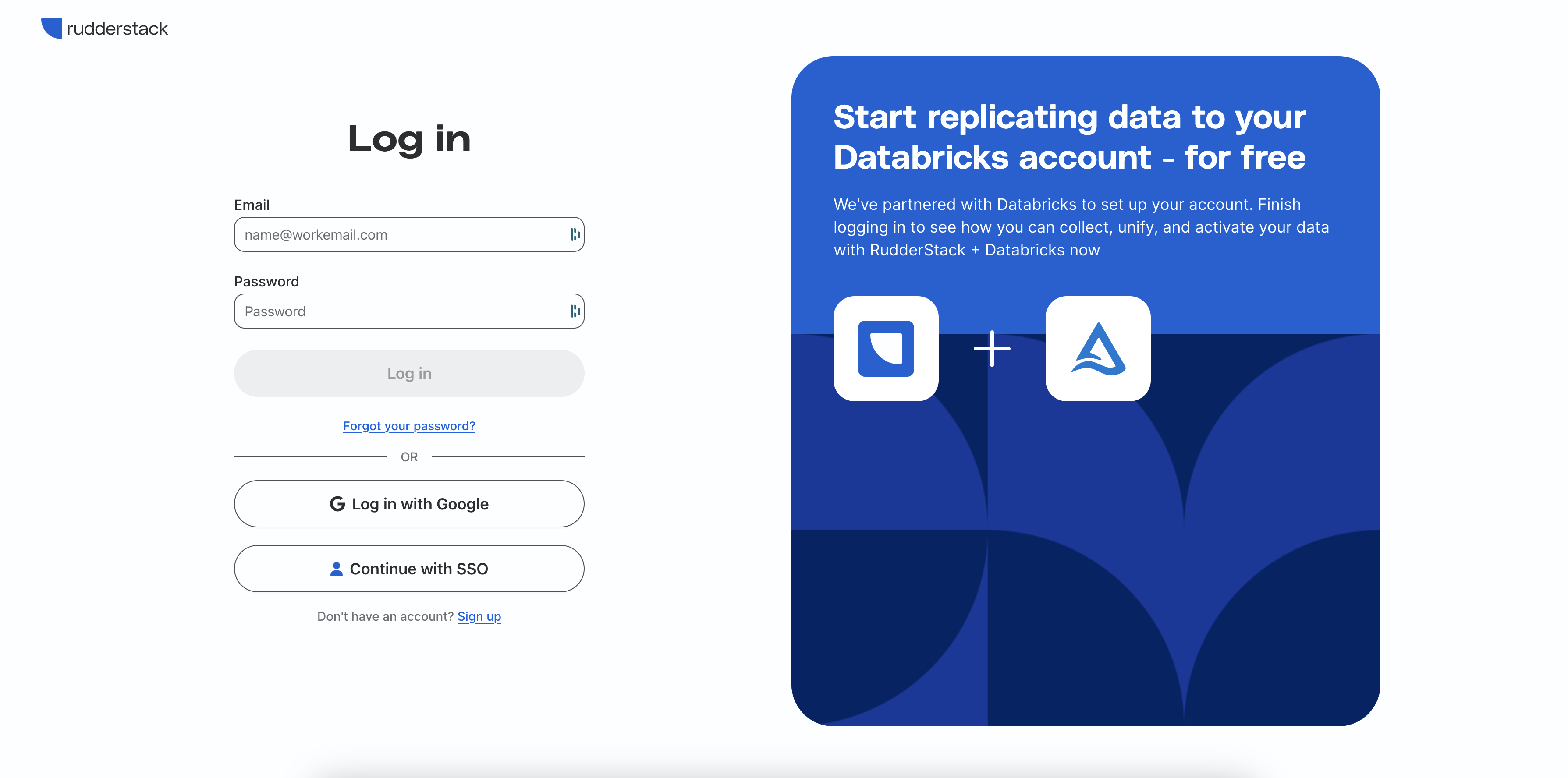
RudderStack will automatically provision and set up your Databricks destination.
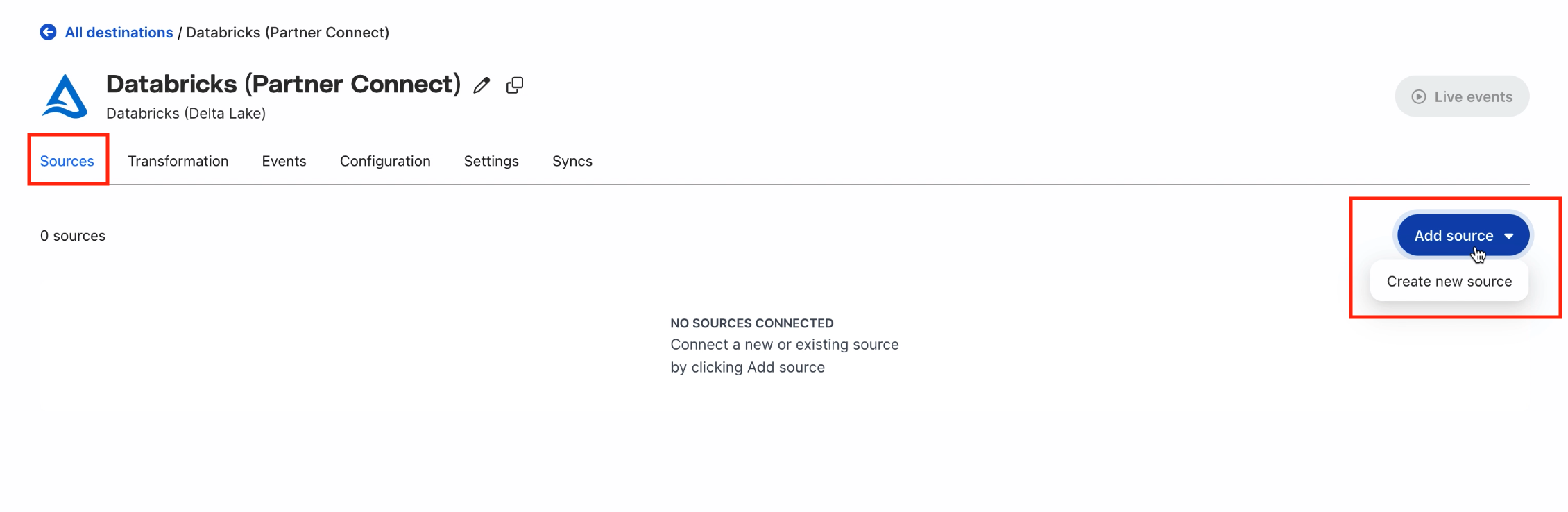
- Connect the Delta Lake destination to a data source. Go to the Sources tab and click Add source. See Add a source for more information.
Before connecting, make sure that the Databricks provisioned cluster is up.
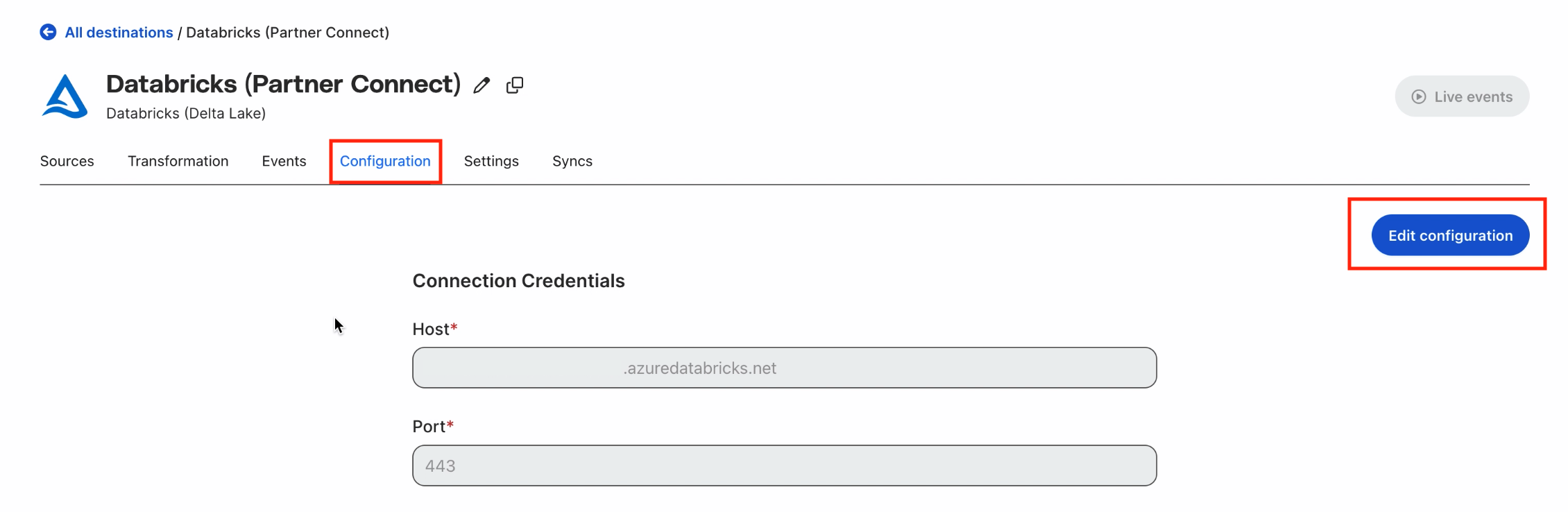
- To edit or modify the preconfigured credentials, go to the Configuration tab and click Edit configuration. See Databricks documentation for more information on the connection credentials.