Userlist
3 minute read
Userlist is a popular behavior-based messaging platform that lets you engage with your SaaS users effectively through targeted, behavior-based campaigns.
RudderStack supports sending your events to Userlist from the cloud mode S2S (Server to Server) by calling the relevant RudderStack APIs.
This destination is supported by the Userlist team. You can contact the Userlist team via support@userlist.com.
Find the open source transformer code for this destination in the GitHub repository.
Connection compatibility
| Destination Information | |||
|---|---|---|---|
| |||


Get started
Once you have confirmed that the platform supports sending events to Userlist, perform the steps below:
- From your RudderStack dashboard, add the source and Userlist as a destination.
- Name your destination, and click Next. You should be able to see the following screen:
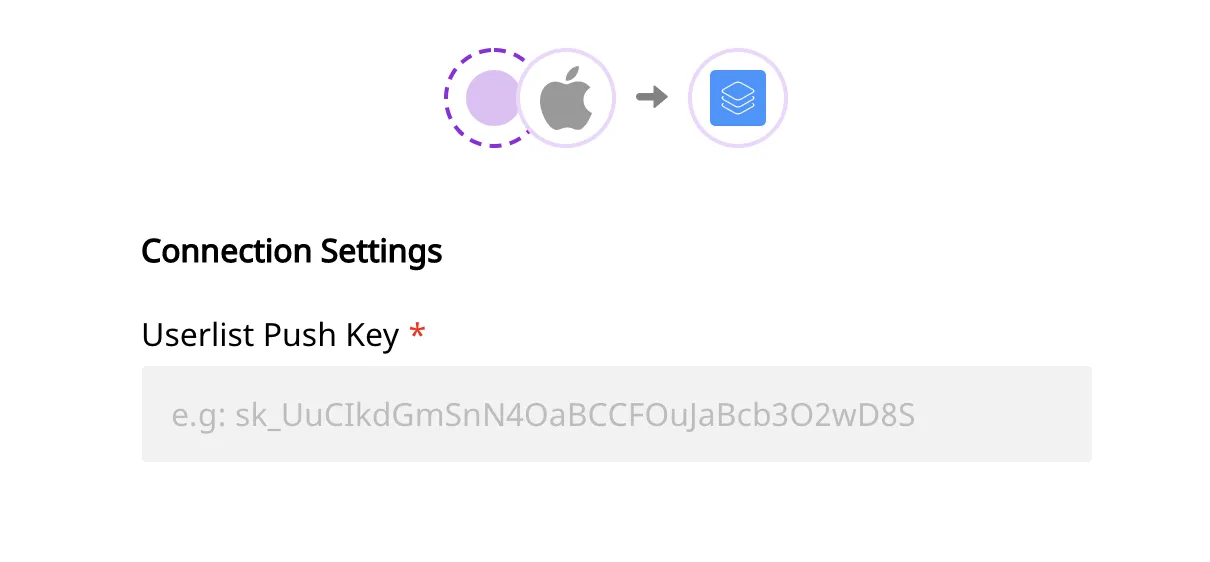
- Enter the Userlist Pus Key which you can find from your Userlist Push API settings.
- Once the destination is enabled, events from the RudderStack SDK will start to flow to Userlist.
Userlist does not support tracking of anonymous users. So, make sure you callidentifybefore callingtrack.
Identify
The identify call sends the event data to Userlist along with the properties that you pass as the RudderStack traits.
If the userId is already known, Userlist will update the user record. Otherwise, it’ll create a new one.
Userlist will only process messages with auserId. Messages with only ananonymousIdwill be ignored.
The following code snippet is an example of an identify call in RudderStack:
rudderanalytics.identify("test-user-id", {
  name: "Tintin",
  city: "Brussels",
  country: "Belgium",
  email: "tintin@herge.com",
})
Group
The group call is made to associate the user with a company in Userlist.
An example of a group call is as shown:
rudderanalytics.group("test-group-id", {
  name: "Example, Inc.",
  industry: "Testing",
  employees: 42,
})
Userlist supports adding properties to the relationship between user and group. As this isn’t officially supported by RudderStack’s message format, you can specify the relationship properties by providing additional data for Userlist specifically.
The following example will associate the currently identified user with the given group (company) and set their role for that particular group (company) to owner.
rudderanalytics.group("test-group-id", {
  name: "Example, Inc.",
  industry: "Testing",
  employees: 42,
  integrations: {
    Userlist: {
      extensions: {
        relationship: {
          properties: {
            role: "owner",
          },
        },
      },
    },
  },
})
Track
The track call will pass the event properties to Userlist. You may call rudderanalytics.track() with or without event properties.
The following code snippet shows how a sample track call is made in RudderStack:
rudderanalytics.track("Project created", {
  project_name: "Demo Project",
})
Note that every
trackcall will be sent to Userlist as a new event. You may send additional properties to describe the event in more detail.Both the event name and additional properties will be stored with the event and normalized to snake case (
project_createdandproject_name) automatically within Userlist.
To track an event in the context of a group (company), you need to specify the groupId in the context:
rudderanalytics.track("Project created", {
  project_name: "Demo Project",
  context: {
    groupId: "test-group-id",
  },
})