HubSpot Web Device Mode Integration (Legacy API)
3 minute read
This guide will help you send events to HubSpot in the web device mode by leveraging HubSpot’s legacy API.
Find the open source code for HubSpot’s web device mode integration in the GitHub repository.
RudderStack does not support the new datetime data type introduced by HubSpot.
Identify
RudderStack sends the identify call to create or update a contact in HubSpot. The contact’s email ID must be present in the traits object of the identify call.
You must call either page or track after the identify call to create a contact. RudderStack automatically associates the previously made page and track calls with that contact once they are identified.
A sample identify call is as shown:
rudderanalytics.identify({
  firstName: "Alex",
  city: "New Orleans",
  country: "USA",
  phone: "+1-202-555-0146",
  email: "alex@example.com",
  custom_flavor: "chocolate",
  custom_date: 1574769933368,
  custom_date1: new Date("2019-10-14T11:15:53.296Z"),
})
Special fields
HubSpot supports the following traits as special fields:
addresscitycompanyNameemailfirstNamelastNamepositionphonezip
Custom properties
RudderStack supports sending custom properties to HubSpot via the identify call. These properties will update the contact property you have already created in HubSpot:
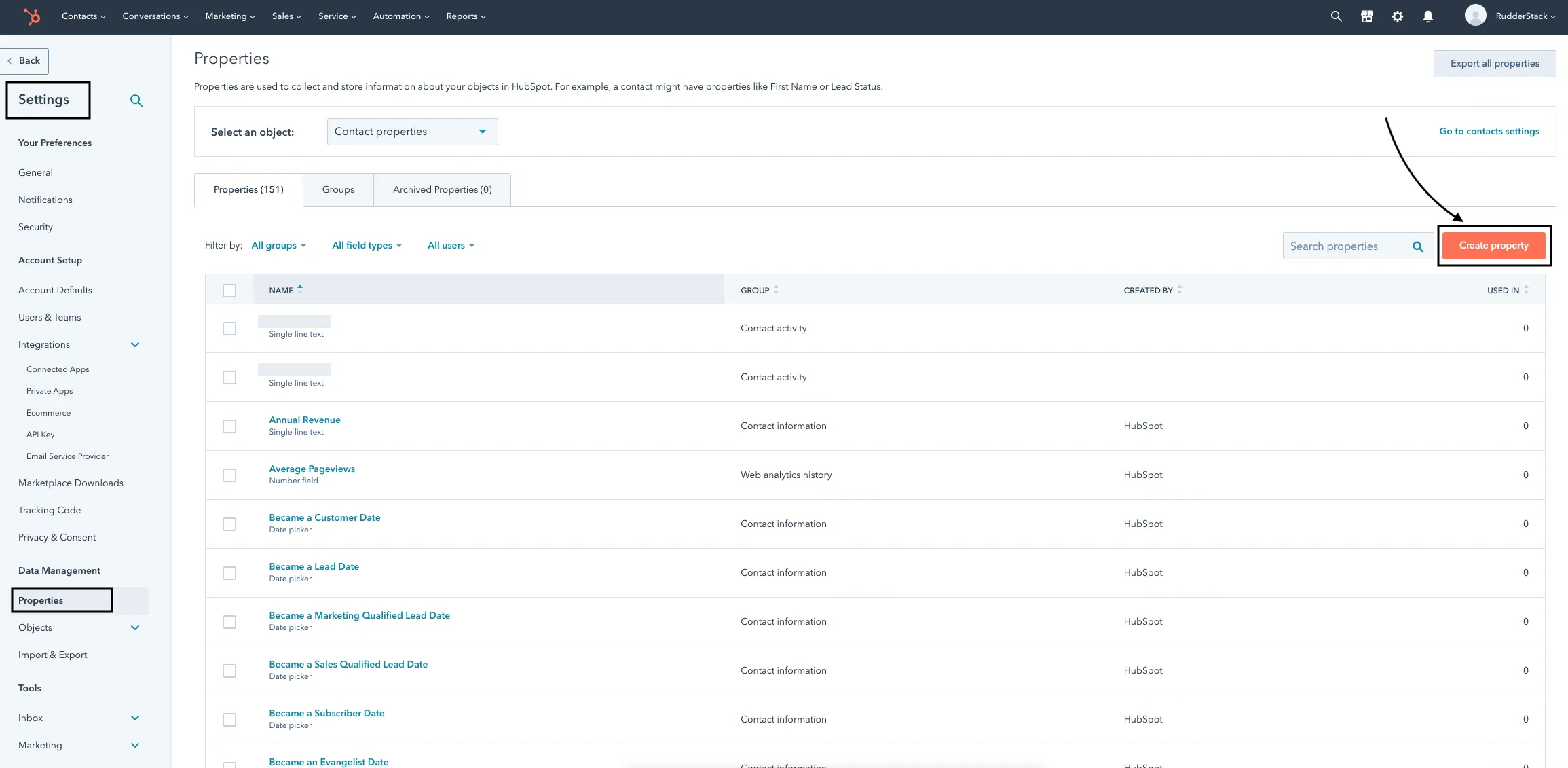
Refer to the HubSpot Knowledge Base for more information on creating custom properties.
When you provide any custom property in the event, RudderStack automatically converts the field name into the lower case and replaces any space with an underscore. This is because HubSpot does not accept properties in the upper case and spaces.
RudderStack then maps the field values present in the traits to the corresponding HubSpot custom property.
HubSpot discards any property that does not exist and returns a 400 Bad Request error.
Dates
For sending properties of date type, you can send them as the epoch time or as a date object. RudderStack converts them to the required HubSpot format (midnight UTC).
Track
A track call lets you record various user actions and any properties associated with them.
To associate a track call with a user, you need to specify the user’s email under context.traits . Additionally, RudderStack associates the track events with the same user after an identify request is successfully made.
A sample track event is as shown:
rudderanalytics.track(
  "Order Completed", {
    value: 30,
  }, {
    context: {
      traits: {
        firstname: "Alex",
        city: "New Orleans",
        country: "USA",
        phone: "+1-202-555-0146",
        email: "alex@example.com",
      },
    },
  }
)
Revenue events
For the revenue events, a value or revenue key should be included in the event properties to be recorded in HubSpot.
Page
You can make a page call to automatically record page views.
A sample page event is as shown:
rudderanalytics.page({
  path: "path",
});
FAQ
Can I use HubSpot website analytics?
Yes, you can. RudderStack supports sending page calls in device mode which can be used for HubSpot website analytics.
