Setup Guide Beta
Set up and configure Yandex.Metrica as a destination in RudderStack.
less than a minute
This guide will help you set up Yandex.Metrica Offline Events as a destination in the RudderStack dashboard. It also lists the configuration settings required to correctly send data from the supported sources to Yandex.Metrica Offline Events.
Setup
- In your RudderStack dashboard, add a source. Then, from the list of destinations, select Yandex Metrica Offline Events.
- Assign a name to uniquely identify your destination in RudderStack. Then, click Continue.
Connection settings
| Setting | Description |
|---|---|
| Account Settings | Click Create Account > Connect with Yandex Metrica Offline Events and give RudderStack the necessary permissions to access your Yandex.Metrica account. |
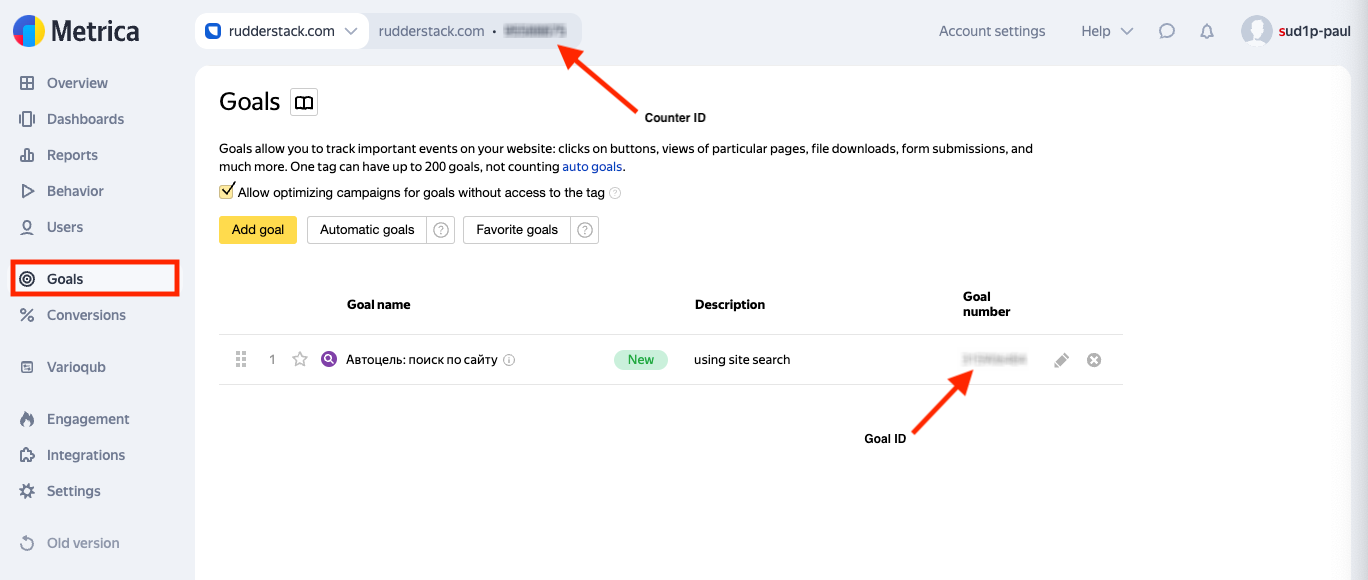
| Counter ID | Enter your Yandex.Metrica counter ID. |
| Goal ID | Enter your Yandex.Metrica goal ID. |
Next steps
FAQ
Where can I find the Yandex.Metrica Offline Events counter ID and goal ID?
- Log in to your Yandex.Metrica dashboard.
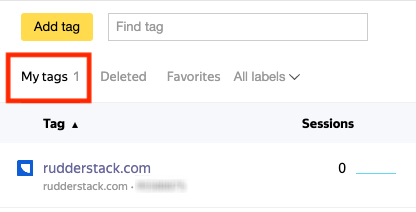
- Under My tags, click the relevant offline conversion tag.
- From the left sidebar, click Goals. You can see the counter ID and goal ID listed here: