Send Events to HTTP Webhook Destination
4 minute read
This guide demonstrates how RudderStack transforms the event payload according to the specified destination configuration settings before sending it to the HTTP webhook endpoint.
Overview
This integration supports sending data only in cloud mode.
RudderStack does not place any constraints on the event format for the requests sent to your configured HTTP webhook endpoint. It transforms the event payload based on your event configuration settings before sending it to the specified webhook endpoint.
Example
This end-to-end example highlights the structure of the sample payload sent to your webhook endpoint.
Configuration settings
This section highlights the HTTP webhook configuration settings specified in the RudderStack dashboard, specifically the Base URL, body format, and the event configuration settings.
Base URL
https://example.com
Request URL settings
- Path parameters (in sequence):
| Path parameter |
|---|
path |
$.userId |
- Query parameters:
| Key | Value |
|---|---|
key | value |
Headers settings
| Key | Value |
|---|---|
header | header_value |
Request body settings
- XML Root Key (only applicable for XML body format):
root - Field mappings:
| Key | Value |
|---|---|
$.event | $.event |
$.currency | $.properties.currency |
$.userId | $.userId |
Event request
The track event request sent from the source connected to this HTTP webhook destination is shown below:
curl --location '<DATA_PLANE_URL>/v1/track' \
--header 'Content-Type: application/json' \
--header 'Authorization: Basic <token>' \
--data '{
  "userId": "user123",
  "event": "Order Completed",
  "properties": {
    "checkout_id": "70324a1f0eaf000000000000",
    "order_id": "40684e8f0eaf000000000000",
    "affiliation": "Vandelay Games",
    "total": 52,
    "subtotal": 45,
    "revenue": 50,
    "shipping": 4,
    "tax": 3,
    "discount": 5,
    "coupon": "NEWCUST5",
    "currency": "USD",
    "products": [{
        "product_id": "622c6f5d5cf86a4c77358033",
        "sku": "8472-998-0112",
        "name": "Cones of Dunshire",
        "price": 40,
        "position": 1,
        "category": "Games",
        "url": "https://www.website.com/product/path",
        "image_url": "https://www.website.com/product/path.jpg"
      },
      {
        "product_id": "577c6f5d5cf86a4c7735ba03",
        "sku": "3309-483-2201",
        "name": "Five Crowns",
        "price": 5,
        "position": 2,
        "category": "Games"
      }
    ]
  }
}'POST /v1/track HTTP/1.1
Host: <DATA_PLANE_URL>
Content-Type: application/json
Authorization: Basic <token>
Content-Length: 908
{
"userId": "user123",
"event": "Order Completed",
"properties": {
"checkout_id": "70324a1f0eaf000000000000",
"order_id": "40684e8f0eaf000000000000",
"affiliation": "Vandelay Games",
"total": 52,
"subtotal": 45,
"revenue": 50,
"shipping": 4,
"tax": 3,
"discount": 5,
"coupon": "NEWCUST5",
"currency": "USD",
"products": [{
"product_id": "622c6f5d5cf86a4c77358033",
"sku": "8472-998-0112",
"name": "Cones of Dunshire",
"price": 40,
"position": 1,
"category": "Games",
"url": "https://www.website.com/product/path",
"image_url": "https://www.website.com/product/path.jpg"
},
{
"product_id": "577c6f5d5cf86a4c7735ba03",
"sku": "3309-483-2201",
"name": "Five Crowns",
"price": 5,
"position": 2,
"category": "Games"
}
]
}
}Event payload seen in Live Events
The final event payload as seen in the destination’s Live Events console is shown below:
{
    "version": "1",
    "type": "REST",
    "method": "POST",
    "endpoint": "https://example.com/path/user123", // Path settings
    "headers": {
        "header": "header_value", // Header settings
        "Content-Type": "application/json"
    },
    "params": {
        "key": "value" // Query parameter settings
    },
    "body": {
        "JSON": {  // Request body settings
            "event": "Order Completed",
            "currency": "USD",
            "userId": "user123"
        },
        "JSON_ARRAY": {},
        "XML": {},
        "FORM": {}
    },
    "files": {}
}
The live event seen in the RudderStack dashboard is shown:
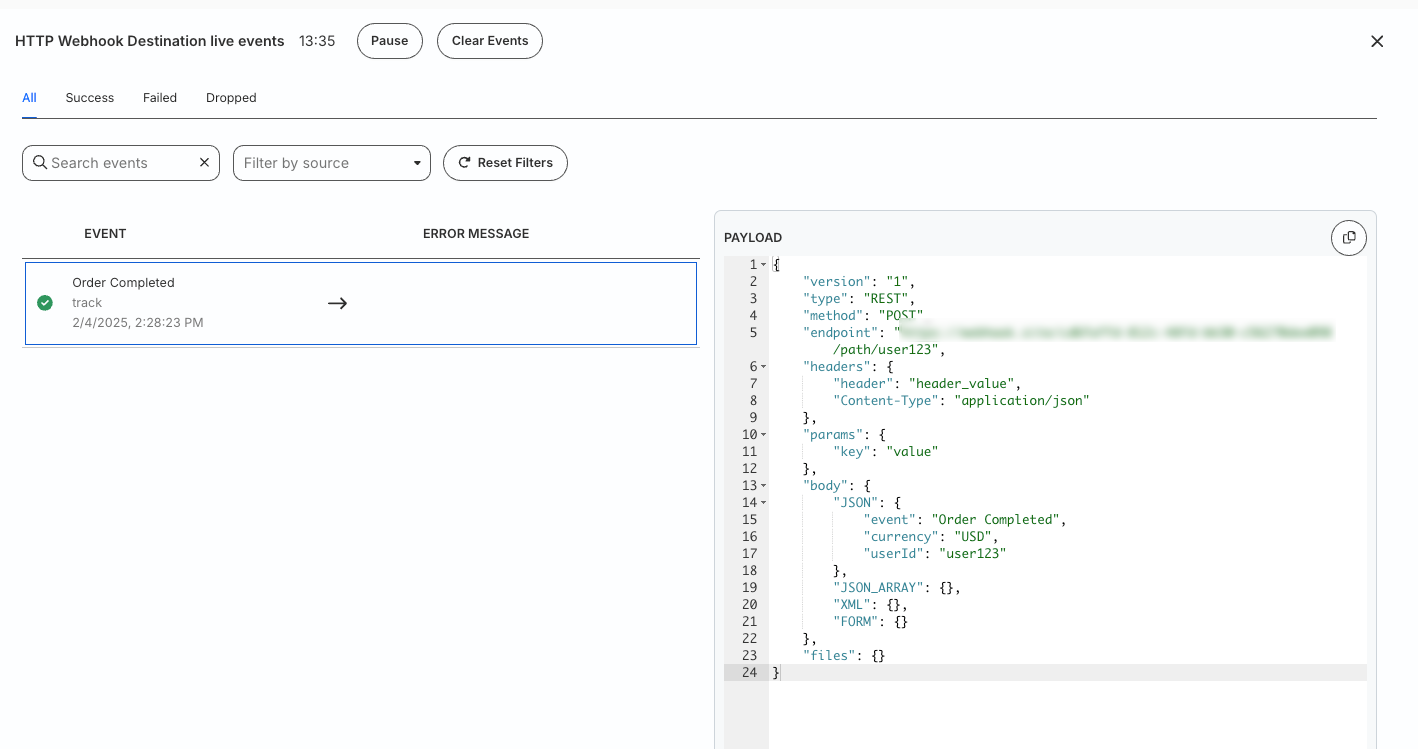
{
    "version": "1",
    "type": "REST",
    "method": "POST",
    "endpoint": "https://example.com/path/user123", // Path settings
    "headers": {
        "header": "header_value", // Header setting
        "Content-Type": "application/xml"
    },
    "params": {
        "key": "value" // Query parameter settings
    },
    "body": {
        "JSON": {},
        "JSON_ARRAY": {},
        "XML": {  // Request body settings
            "payload": "<?xml version=\"1.0\" encoding=\"UTF-8\"?><root><event>Order Completed</event><currency>USD</currency><userId>user123</userId></root>"
        },
        "FORM": {}
    },
    "files": {}
}
The live event seen in the RudderStack dashboard is shown:
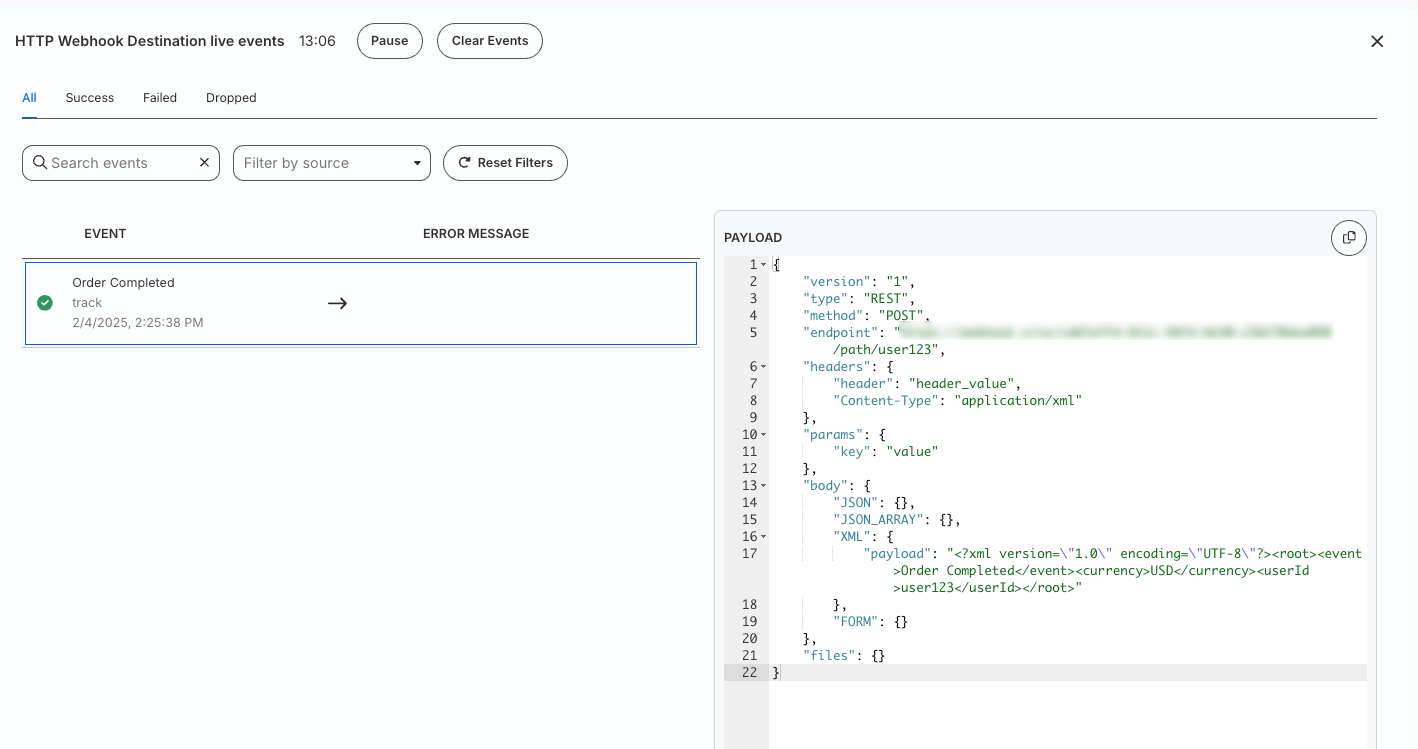
{
    "version": "1",
    "type": "REST",
    "method": "POST",
    "endpoint": "https://example.com/path/user123", // Path settings
    "headers": {
        "header": "header_value", // Header settings
        "Content-Type": "application/x-www-form-urlencoded"
    },
    "params": {
        "key": "value" // Query parameter settings
    },
    "body": {
        "JSON": {},
        "JSON_ARRAY": {},
        "XML": {},
        "FORM": { // Request body settings
            "event": "Order Completed",
            "currency": "USD",
            "userId": "user123"
        }
    },
    "files": {}
}
The live event seen in the RudderStack dashboard is shown:
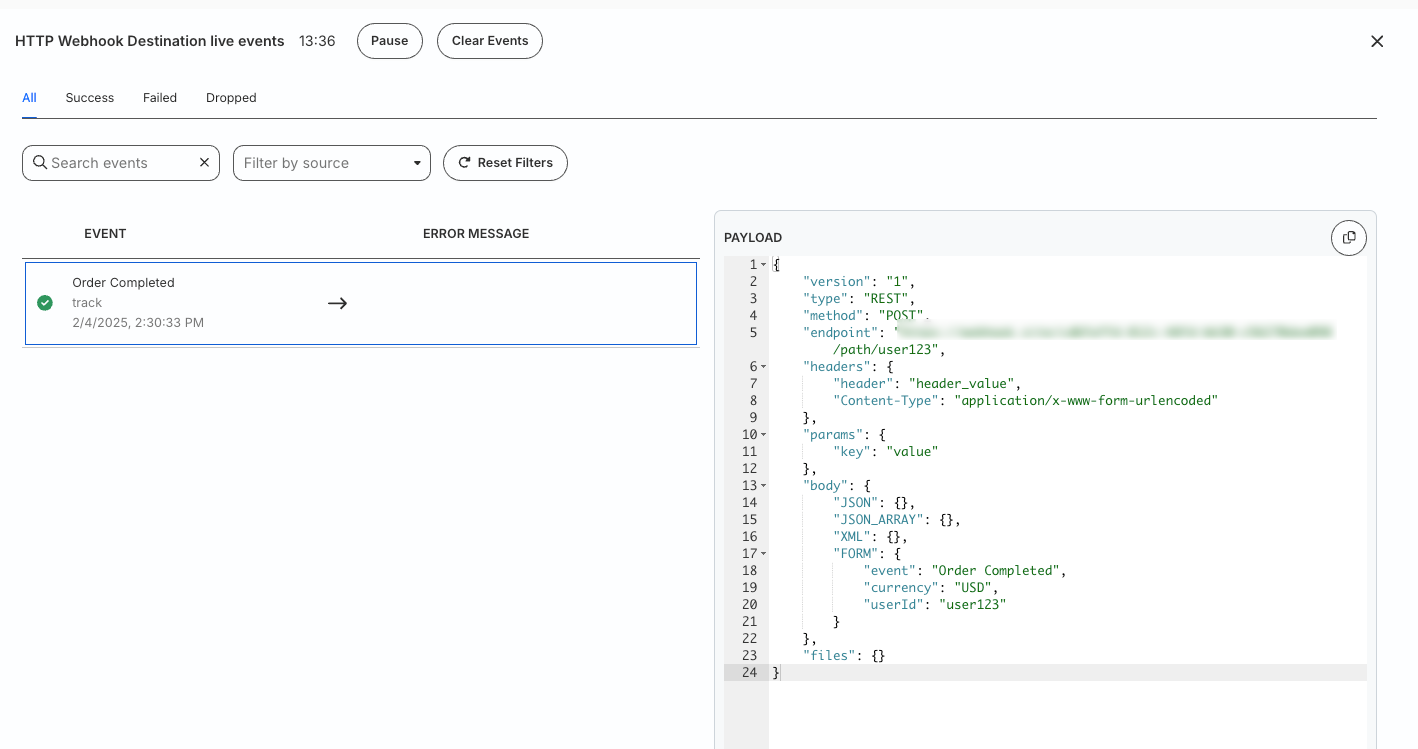
Request sent to the destination
This section contains the final CURL request sent from RudderStack to the webhook destination:
curl -X POST "https://example.com/path/user123?key=value" \
  -H "header: header_value" \
  -H "Content-Type: application/json" \
-d '{"event":"Order Completed","currency":"USD","userId":"user123"}'curl -X POST "https://example.com/path/user123?key=value" \
-H "header: header_value" \
-H "Content-Type: application/xml" \
-d '<?xml version="1.0" encoding="UTF-8"?><root><event>Order Completed</event><currency>USD</currency><userId>user123</userId></root>'curl -X POST "https://example.com/path/user123?key=value" \
-H "header: header_value" \
-H "Content-Type: application/x-www-form-urlencoded" \
-d "event=Order%20Completed¤cy=USD&userId=user123"