Indicative
3 minute read
Indicative is a popular customer analytics platform designed especially for product managers, marketers, and data analysts. It connects directly to your data warehouse, allowing you to have an easy access to your data. As a result, you can also avoid any errors that arise due to data duplication during the collection stage or any form of data mismatch.
RudderStack supports Indicative as a destination to which you can send your event data seamlessly.
Find the open source transformer code for this destination in the GitHub repository.
Connection compatibility
| Destination Information | |||
|---|---|---|---|
| |||


Get started
Once you have confirmed that the platform supports sending events to Indicative, perform the steps below:
- From your RudderStack dashboard, add the source. From the list of destinations, select Indicative.
- Assign a name to your destination and click Next. You should then see the following screen:
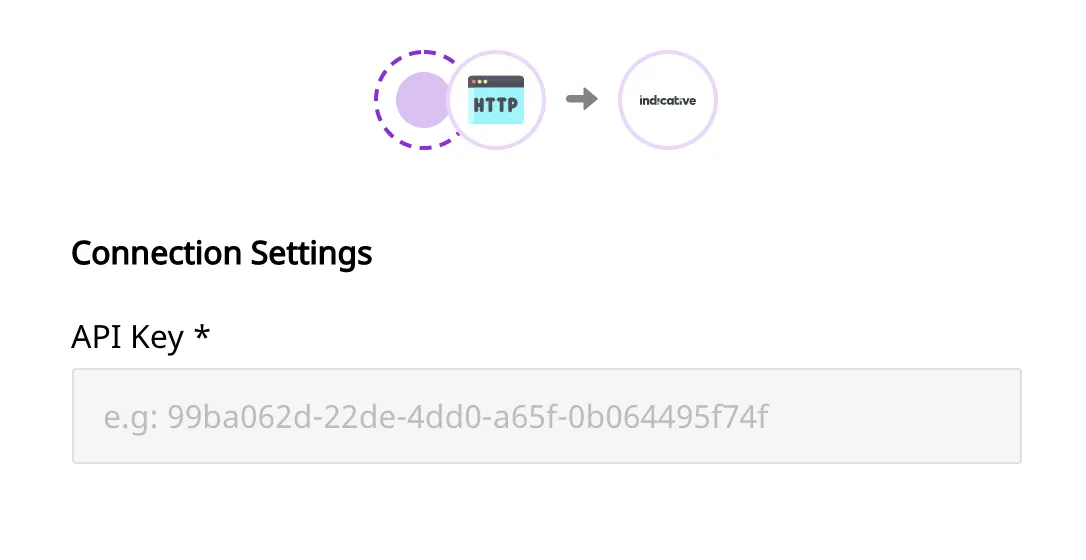
Connection settings
This section lists the settings to be configured to set up Indicative as a destination in RudderStack.
- Indicative API Key: Enter the Indicative API Key. It can be found under Project Settings in your Indicative account.
Identify
When an identify call is made, RudderStack leverages Indicative’s Identify Users API and sends the data accordingly.
A user is identified byuserId. If the field is not passed in the call, the event is not sent.
A sample identify call is as shown:
rudderanalytics.identify("hashed_user_id", {
  name: "Name Surname",
  email: "sample@example.com",
});
RudderStack passes the user traits passed along with theidentifycall to Indicative asproperties.
Page
When the page method is called, RudderStack sends a track event to Indicative with the userId and eventName parameters.
A sample page call is as shown in the snippet below:
rudderanalytics.page({
  path: "path",
  url: "url",
  title: "title",
  search: "search",
  referrer: "referrer",
});
Screen
The screen call is the mobile equivalent of the page. When called, it sends a track event to Indicative with a userId and eventName .
A sample screen call is as shown:
[[RSClient sharedInstance] screen:@"Main"];Track
When the track call is made, RudderStack calls Indicative’s Track Events API to send the events. The event properties are sent as data fields in the request, while the name of the event is sent as a custom event.
A sample track call is as shown in the snippet below:
rudderanalytics.track("Product Reviewed", {
  review_id: "12345",
  product_id: "123",
  rating: 3.0,
  review_body: "Average product, expected much more.",
});
Alias
When the alias call is made, RudderStack calls Indicative’s Alias Users API and sends the data accordingly.
A sample alias call is shown below:
rudderanalytics.alias("12345");The RudderStack SDK automatically passes the user’sanonymousIdaspreviousIdin the payload.
FAQ
Where can I get the Indicative API key?
You can get the Indicative API key under the Project Settings section in your Indicative account.
