Data Catalog Categories
Create and manage event categories in your Data Catalog.
less than a minute
This guide walks you through creating and managing your event categories in your Data Catalog.
Required permissions
- Admins have full access to manage event properties in the Data Catalog.
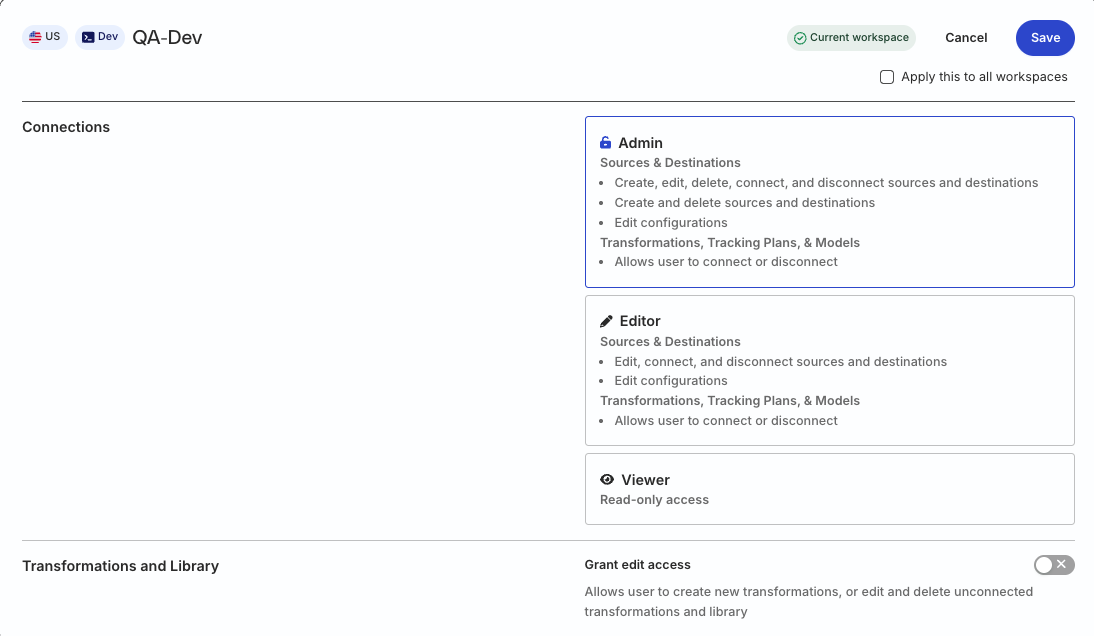
- Members must have the following permission in their workspace policy:
| Resource | Permission | Description |
|---|---|---|
| Data Catalog | Edit | Make changes to the configuration of Data Catalog |
Click here to see how these permissions appear in the workspace policy.

Permissions for legacy RBAC system
In the legacy Permissions Management (RBAC) system:
- Org Admins have full access to manage the Data Catalog
- Members must have the Connections Admin role in their workspace policy to manage event categories in the Data Catalog
Manage event categories
You can associate an event in the Data Catalog with a category it best fits into.
- Go to the Events tab and click Select category.
- Choose a category from the dropdown.
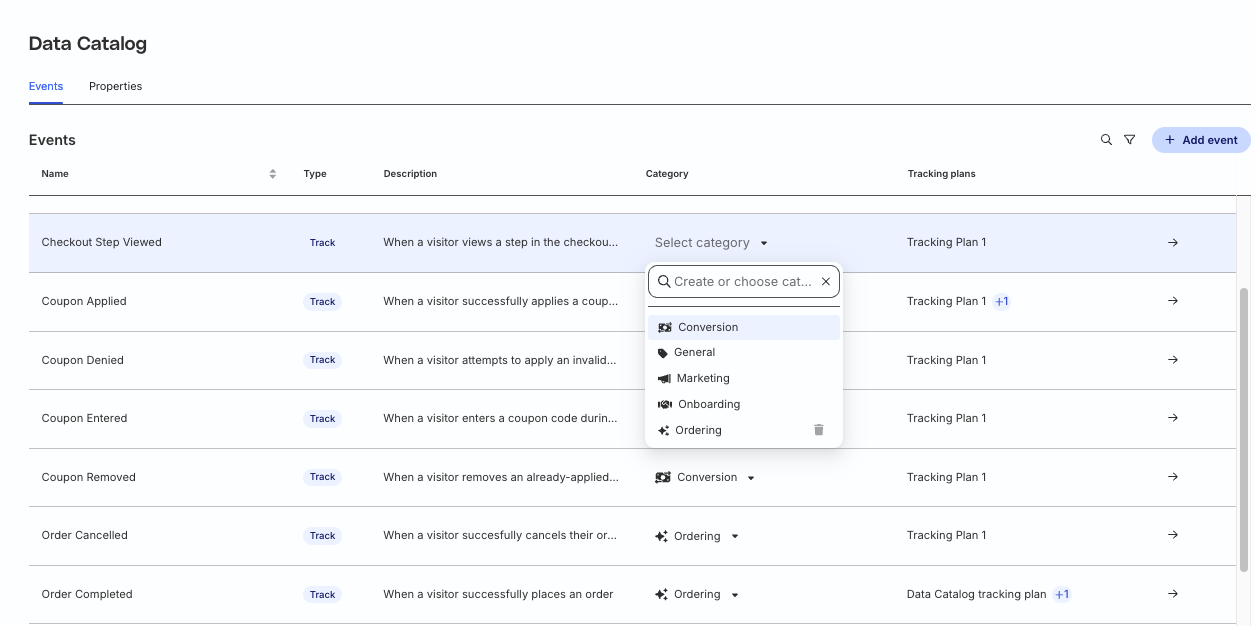
RudderStack provides the following categories by default:
- Conversion
- General
- Marketing
- Onboarding
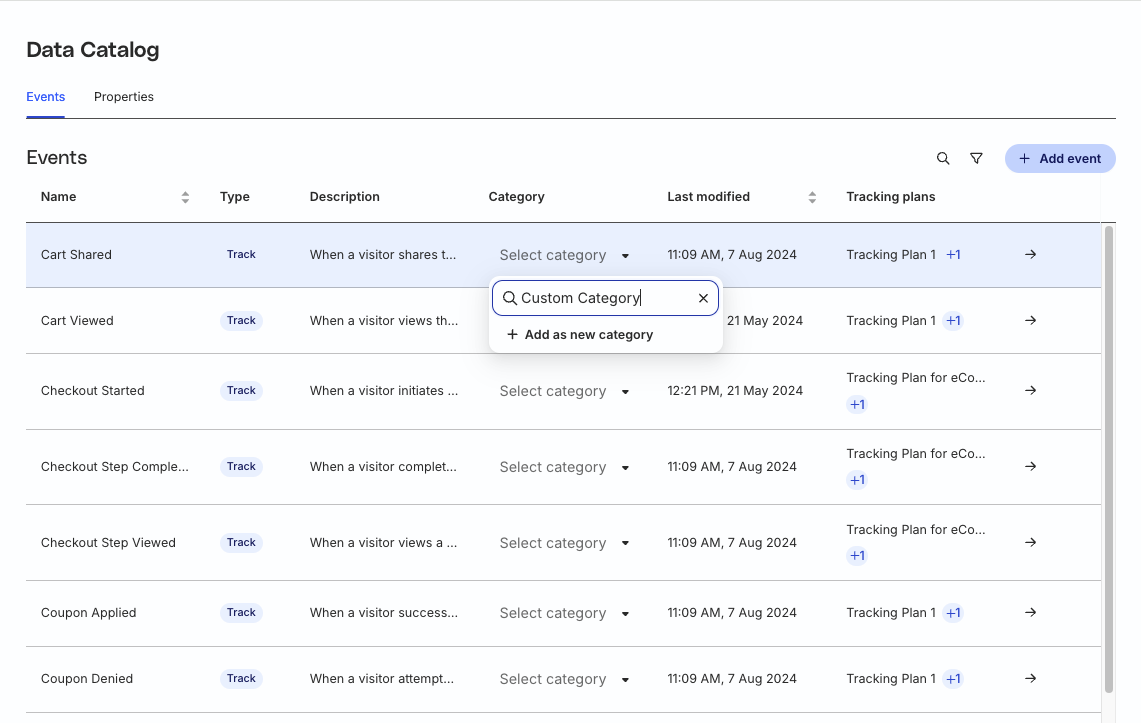
Assign a custom category
Apart from the default categories mentioned above, you can also assign a custom category to an event by clicking Select category and entering the required category name.