The event metrics covered in this guide may not reflect real-time events due to reporting latency.
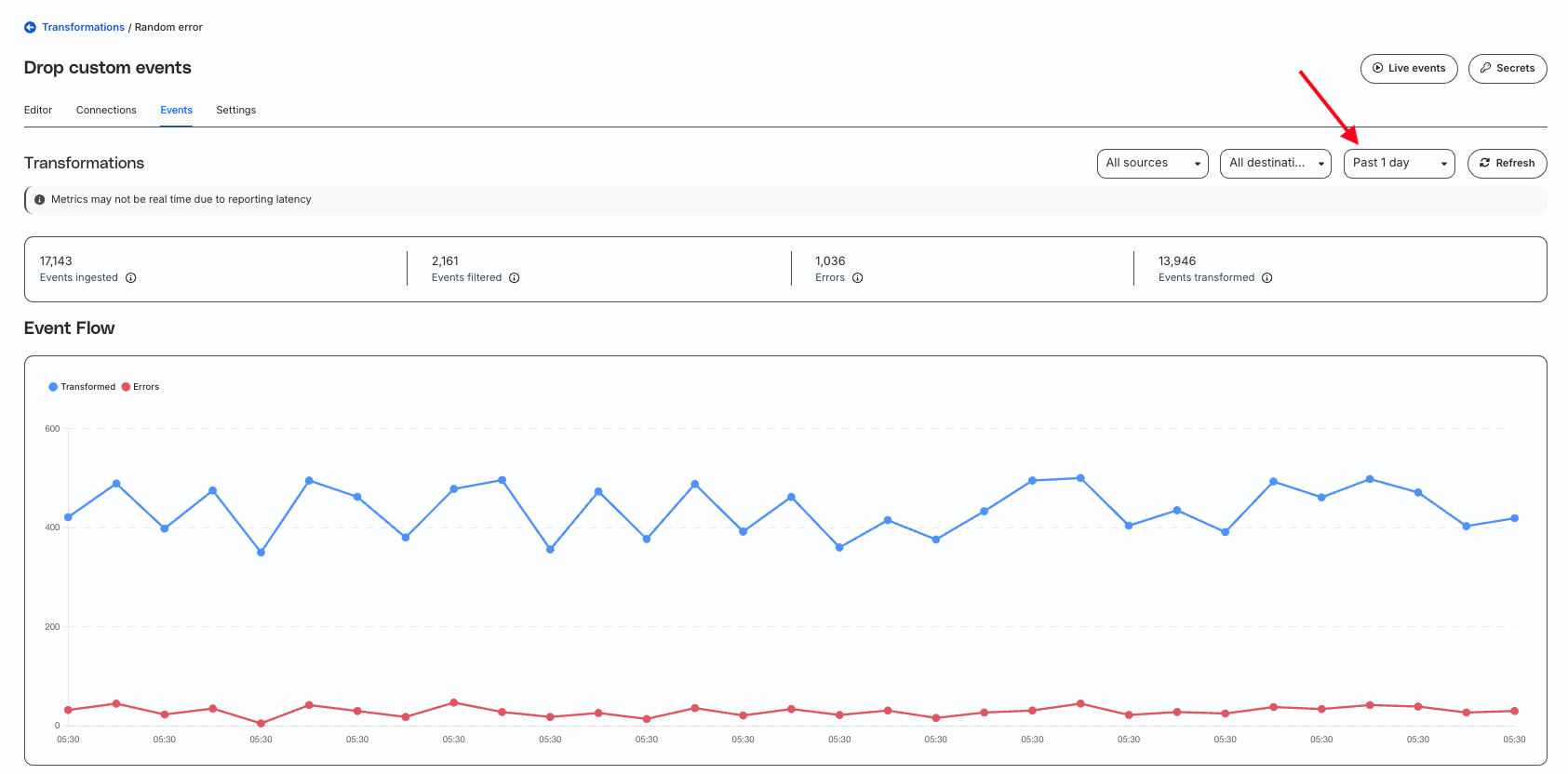
Click the Events tab on your transformation page to view detailed metrics for the events processed by the transformation. It includes the following details:
Total events ingested for transformation.
Number of events dropped intentionally by the transformation (because of the transformation’s logic). For example, if your transformation allowlists only track events with the name Product Purchased, any event that does not meet these criteria is dropped.
Number of events dropped due to transformation errors.
Number of events successfully transformed and forwarded for further processing.
Filtering window
You can filter the above metrics by source, destination, and time period (past 2 hours, 1 day, 7 days, or 30 days).
The 2-hour filtering window is available only in RudderStack’s Growth and Enterprise plans.
For Free plan users, the default filtering window is 1 day.
Event flow
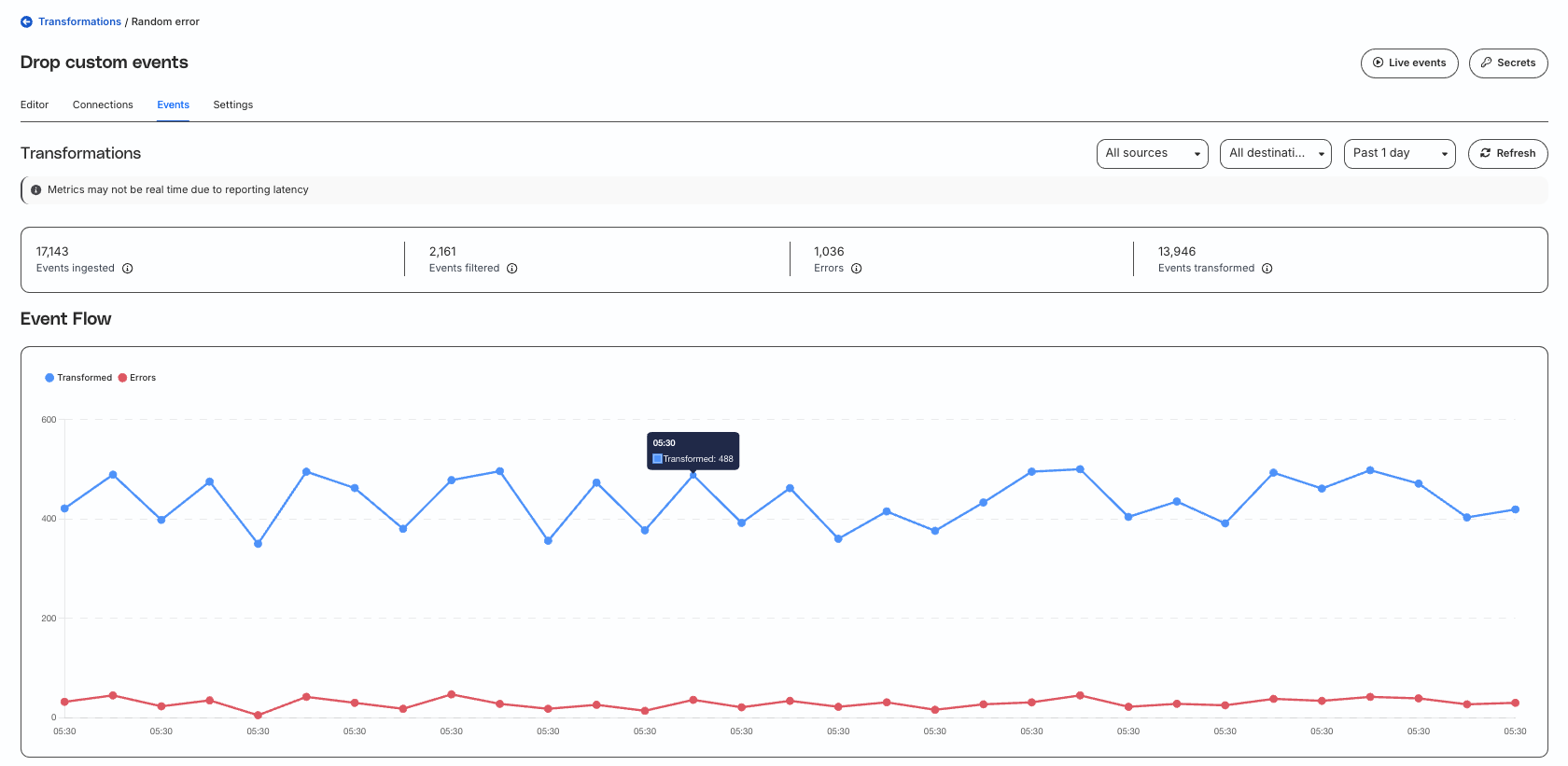
An event flow graph highlights how events were transformed over the selected time period.
Transformation errors
The Transformation errors section includes the following details:
Column name
Description
Event type
Type of event, for example, identify, track, etc.
Event name
Name of the event in case the type is track.
Source
Source from where the event was ingested.
Destination
Destination where the transformed event was to be forwarded.
Event count
Number of events dropped due to transformation error.
Last seen
Time since the event that caused the transformation error last occurred.
Status code
HTTP status code of the transformation error.
View transformation error details
Required permissions
Admins have full access to view the transformation error details.
Members must have the Transformation Failure Samples PII permission to see the transformation error details. Otherwise, they do not see the Details option next to the errors, as shown:
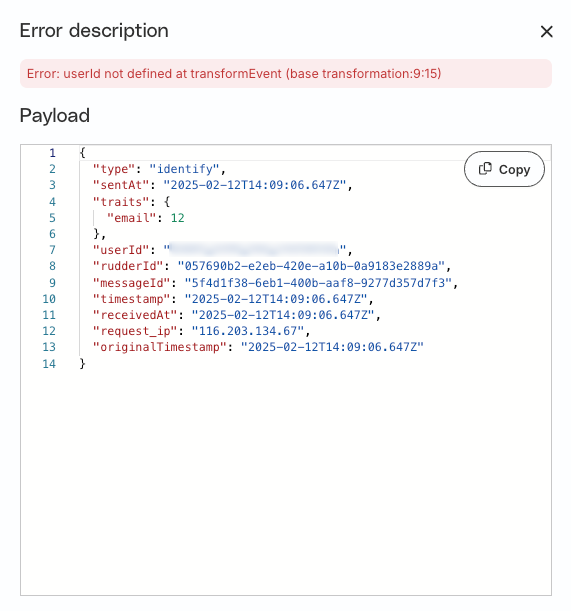
Click Details to see the error description and the payload that caused the error:
Questions? Let's figure it out together.
Join the RudderStack Slack community to connect with other users, customers, and the RudderStack team — or reach out for direct support.
This site uses cookies to improve your experience. If you want to learn more about cookies and why we use them, visit our cookie policy. We'll assume you're ok with this, but you can opt-out if you wish
Privacy Overview
This site uses cookies to improve your experience while you navigate through the website. Out of these cookies, the cookies that are categorized as necessary are stored on your browser as they are as essential for the working of basic functionalities of the website. We also use third-party cookies that help us analyze and understand how you use this website. These cookies will be stored in your browser only with your consent. You also have the option to opt-out of these cookies. But opting out of some of these cookies may have an effect on your browsing experience.
Necessary cookies are absolutely essential for the website to function properly. This category only includes cookies that ensures basic functionalities and security features of the website. These cookies do not store any personal information.