How to Update an Audience in RudderStack
Update an audience source configuration, description, and filter conditions.
Available Plans
- growth
- enterprise
less than a minute
This Audiences feature leverages the Reverse ETL workflow.
To build targeted, no-code audience segments from warehouse data and activate them downstream, use Lookout instead.
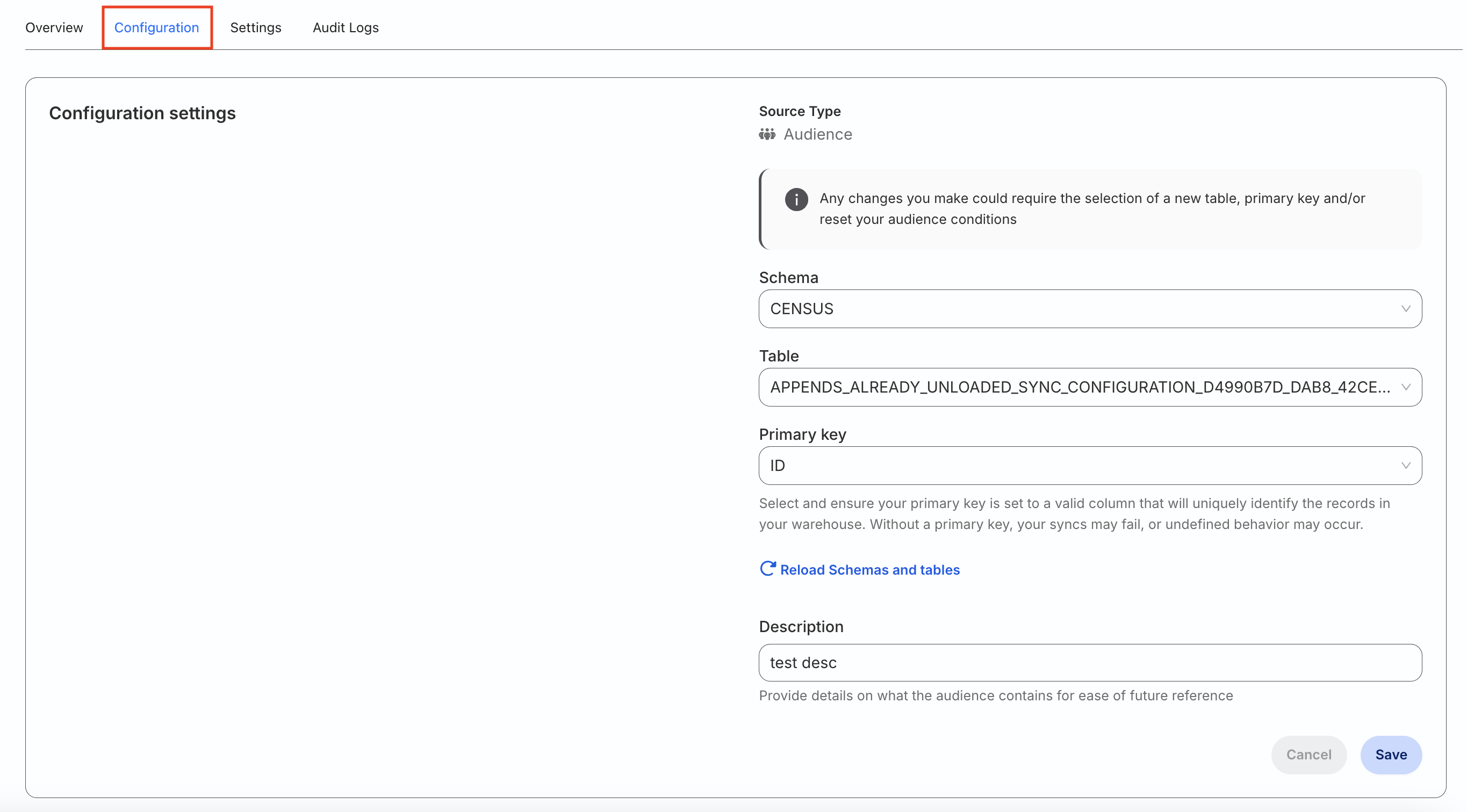
After you create an audience, you can change its warehouse configuration, description, and filter conditions.
- Go to the Configuration tab of the audience source.
- Click the edit icon in the Configuration settings to update the source configuration and audience description.
Note that:
- You can update the Schema and Table fields only if your audience source is not connected to any destination. Otherwise, you can only update the Primary key and Description.
- Your audience conditions will be reset if you change the warehouse schema or table.
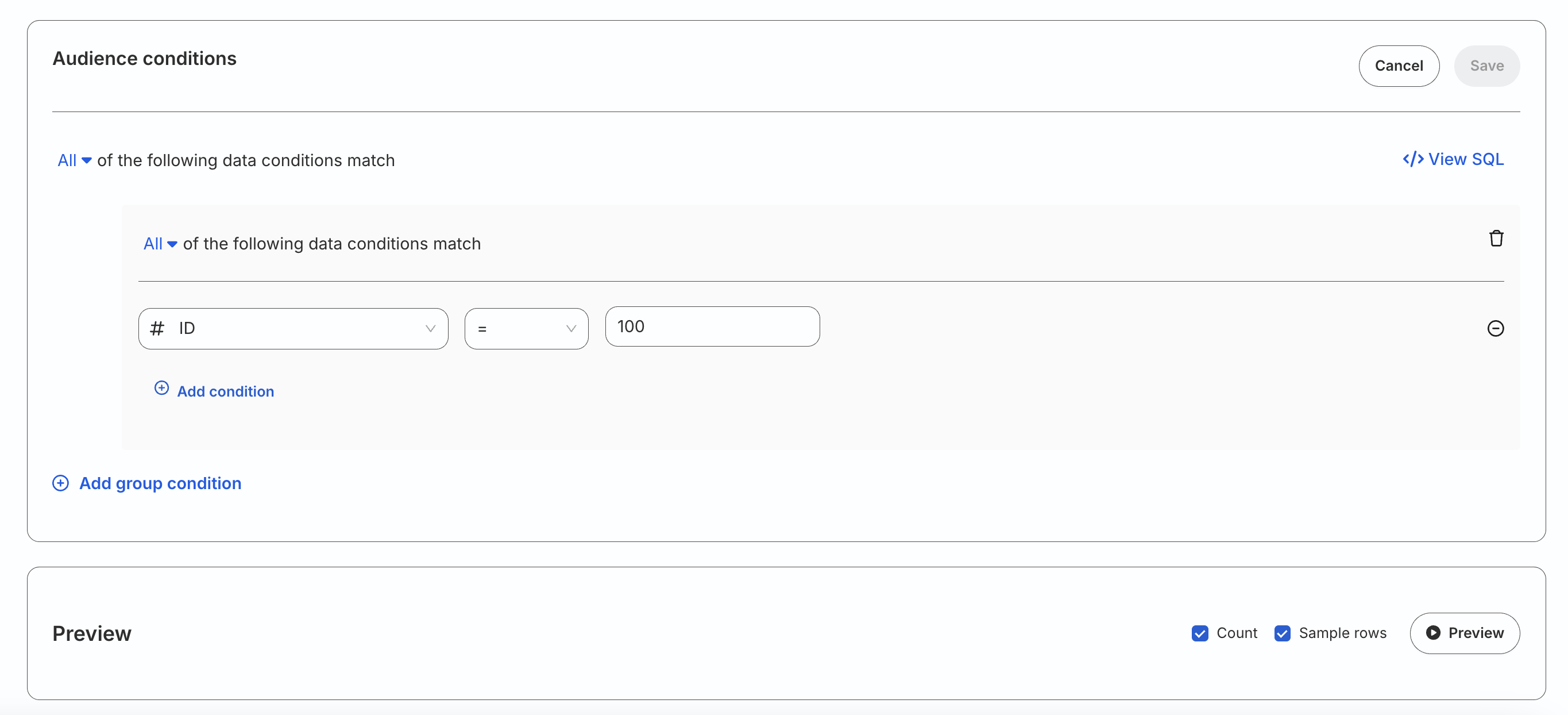
To update the audience conditions, click the Edit conditions button and update the conditions. Make sure to preview the data before saving the updated conditions. See Set audience conditions for how filters and group conditions work.